Think of it like embedding a YouTube video. You don't download YouTube — you paste a link, and the video plays everywhere, on any device, without you managing anything.
GeometryViewer works the same way. You add two lines to your page. We handle the viewer, the 3D rendering, the AR, and every future update. When we make it better, your website gets the upgrade automatically. Zero reinstalling. Zero maintenance.
The two lines
That's it. The viewer fills whatever container you put it in. Style it with CSS like any block element.
For your online shop
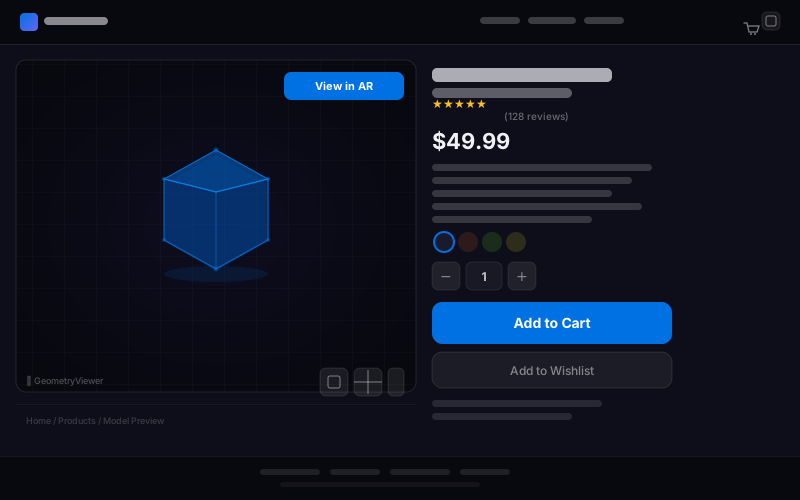
Let customers rotate your product, see every angle, and place it in their room with AR before they buy. Works on any website — WooCommerce, custom HTML, whatever you use.
For Shopify stores
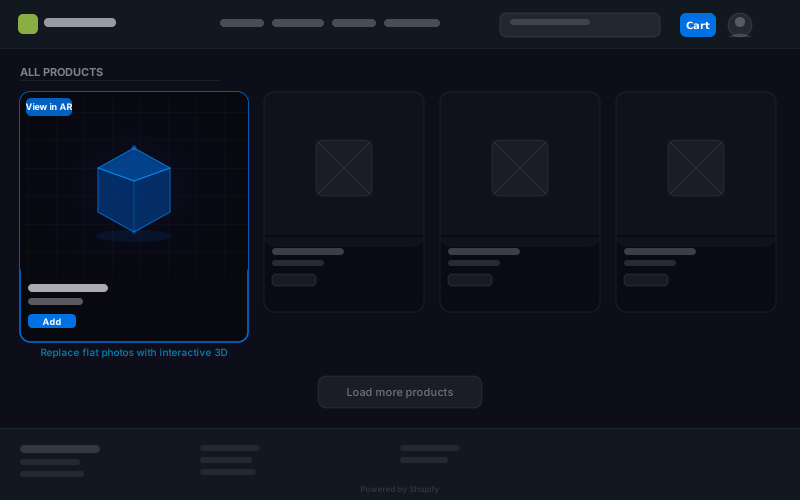
Paste this into your product page theme. In your Shopify admin go to Online Store → Themes → Edit code, then open sections/main-product.liquid (or product.liquid):
Store your .glb file URL in a product metafield called model_url (Settings → Custom data → Products). The viewer only renders when a metafield value is present, so existing products without a 3D model are unaffected.
For Etsy sellers
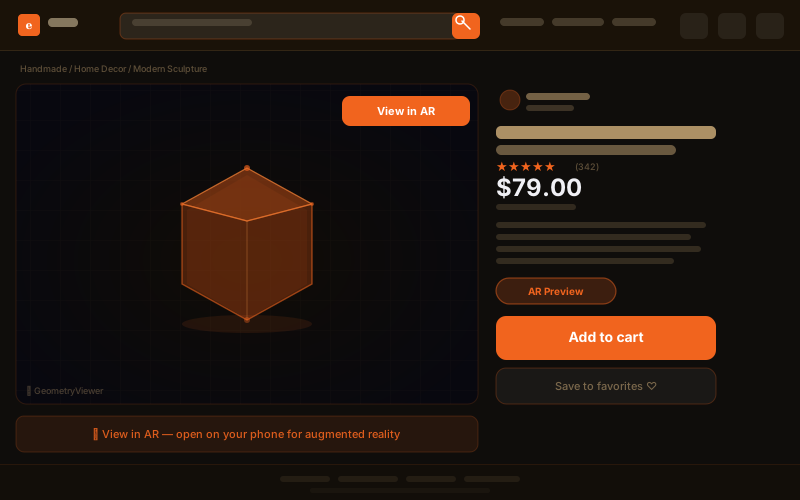
Etsy doesn't allow custom code in listings — but you can still share an interactive 3D preview. Upload your model somewhere (Google Drive, Dropbox, any URL that gives a direct download link) and share this link with your customers:
Paste it in your listing description or send it to customers directly. They click the link and see your product in full 3D — no app download, no account, nothing to install.
For Google Drive: share the file publicly, then change the URL from drive.google.com/file/d/ID/view to drive.google.com/uc?id=ID to get a direct download link.
For your portfolio
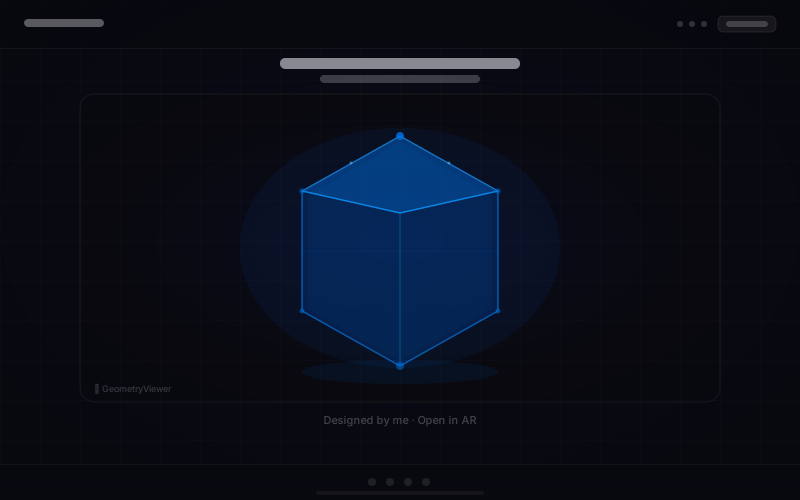
Show your 3D work the way it deserves — interactive, rotatable, in AR. No flat screenshot. No video loop. The real thing.
Email your clients a 3D presentation
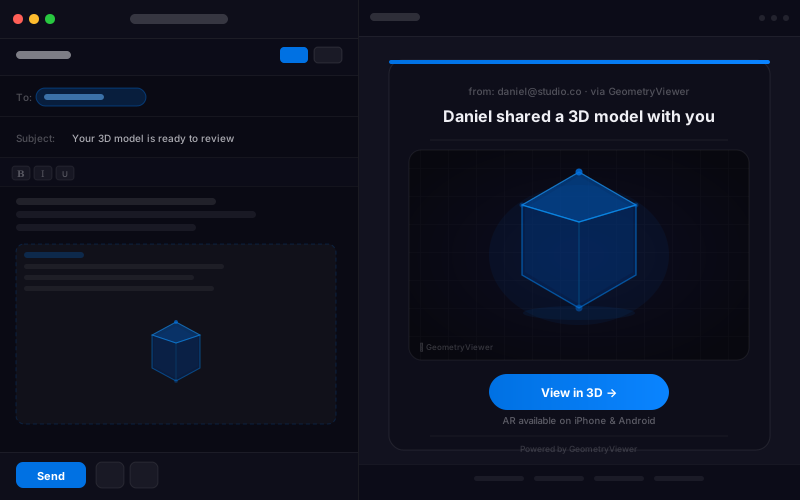
Drop your model into GeometryViewer, hit Share → Email, and preview the email your client will receive — a beautiful dark-theme presentation with your model front and centre. When you're happy with it, enter their email and send. They get a link that opens the model in full 3D and AR instantly. No attachments to download, no software to install.
In the meantime, the share-by-link section below gives you a URL you can paste into any email manually. The client experience is identical — you just compose the email yourself.
Share on social media
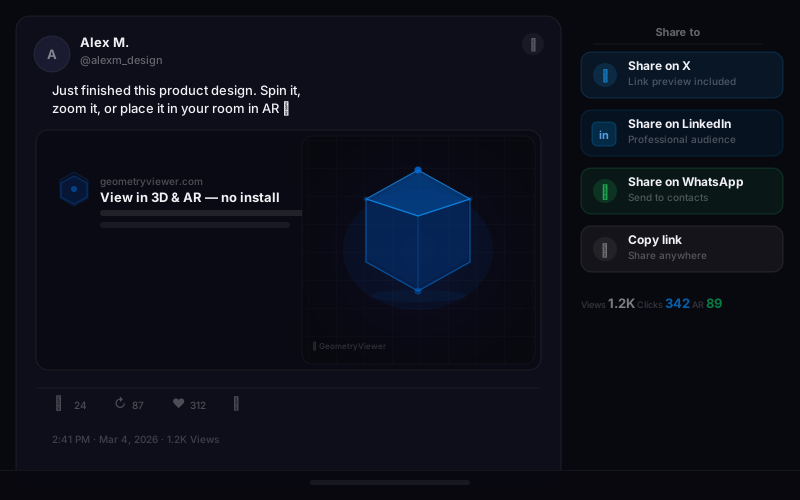
Any model loaded via a public URL becomes instantly shareable. Generate a viewer link and post it to X, LinkedIn, or WhatsApp — followers open it in their browser, no install needed. On mobile, they can place the model in AR in their room.
Use the share buttons below to post the GeometryViewer demo model, or replace the URL with any public model link:
Share buttons above use the Benchy demo model. To share your own model, load it on the home page, then use the share-by-link pattern below with its URL.
Technical Reference
Everything the element supports, for developers who want the full picture.
Attributes
| Attribute | Value | Description |
|---|---|---|
| src | URL string | Model URL to load. Supports .stl, .obj, .gltf, .glb, .3mf. Format is auto-detected from file content. |
| ar | boolean | Show the AR button. On iOS uses Apple Quick Look (no install). On Android uses WebXR with real-world lighting. |
| controls | boolean | Show the built-in toolbar: solid/wireframe toggle, camera reset, fullscreen. |
JavaScript API
Methods
| Method | Description |
|---|---|
| loadBuffer(buffer, format) | Load from ArrayBuffer. format: 'stl'|'obj'|'glb'|'gltf'|'3mf'|'auto' |
| setWireframe(bool) | Toggle wireframe rendering mode. |
| resetCamera() | Reset camera to the default orbit position. |
| resize() | Call after the container element changes size. |
Events
| Event | Description |
|---|---|
| gv-loaded | Fired when the model has loaded and is visible. Bubbles. |
| gv-error | Fired on load failure. event.detail contains the Error object. Bubbles. |